

Official ClearEdge3D Master Reseller in India
Transform LiDAR Point
Clouds Into Intelligent
As-Built BIM—Faster
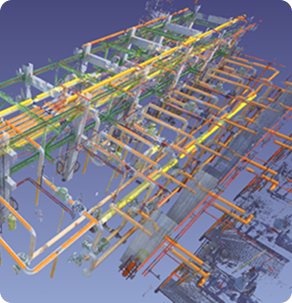
ClearEdge3D EdgeWise automates Scan-to-BIM modelling by extracting pipes, structures, ducts, walls, conduits and cable trays from terrestrial and mobile LiDAR point clouds.
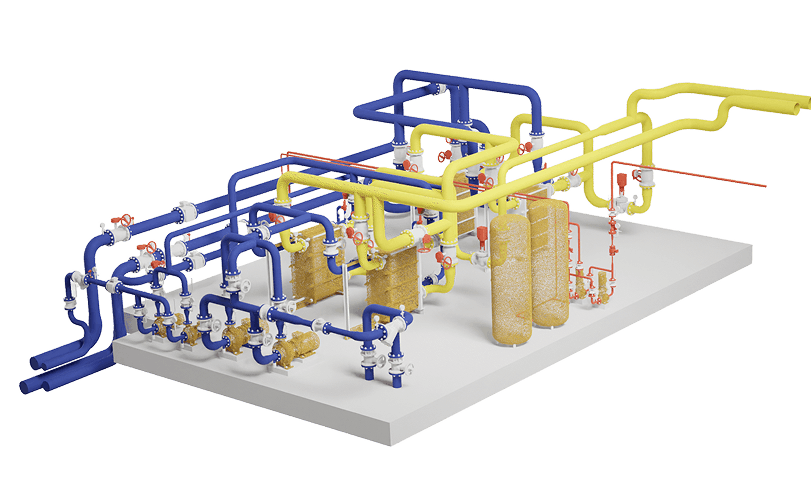
What Is ClearEdge3D EdgeWise?
ClearEdge3D EdgeWise is advanced as-built modelling software that accelerates the conversion of registered LiDAR point clouds into intelligent BIM geometry.
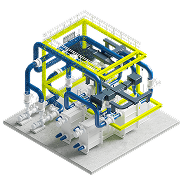
Automated Feature
Extraction
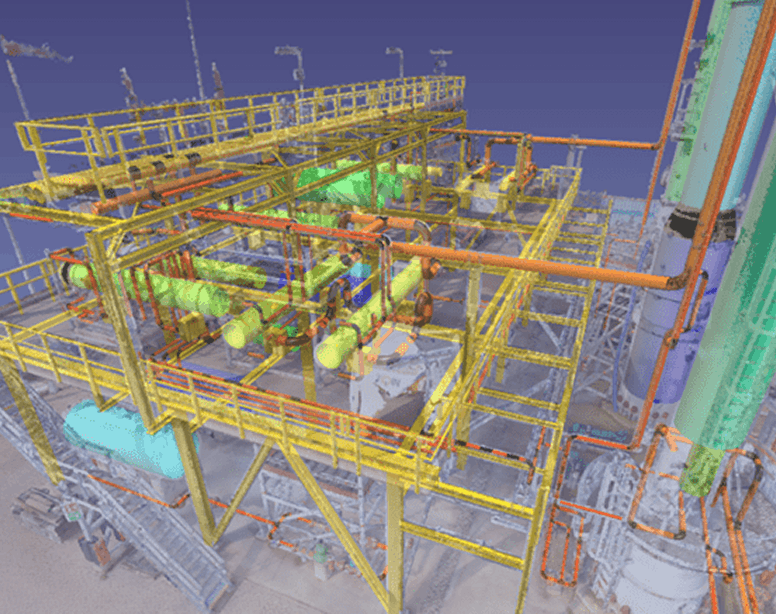
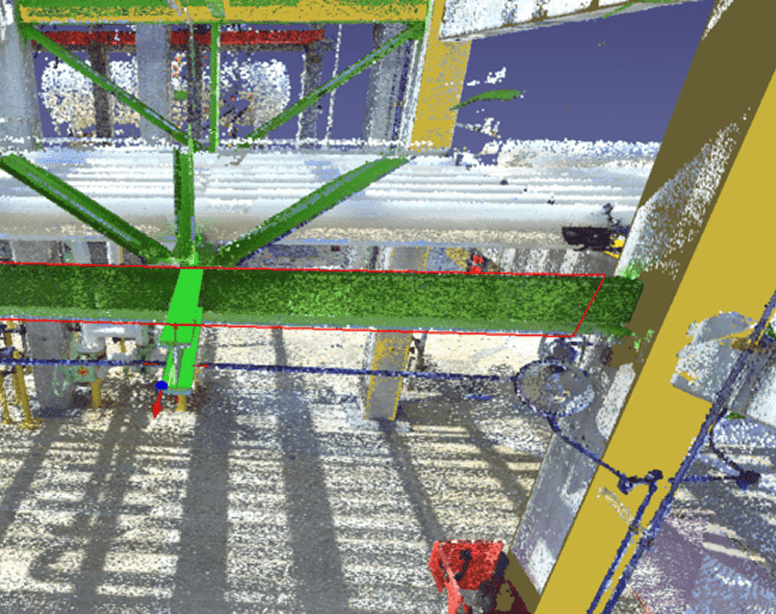
Automatically extracts pipes, structures, ducts, walls, conduits and cable trays from LiDAR point clouds.
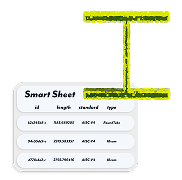
Built-In Model QA/QC
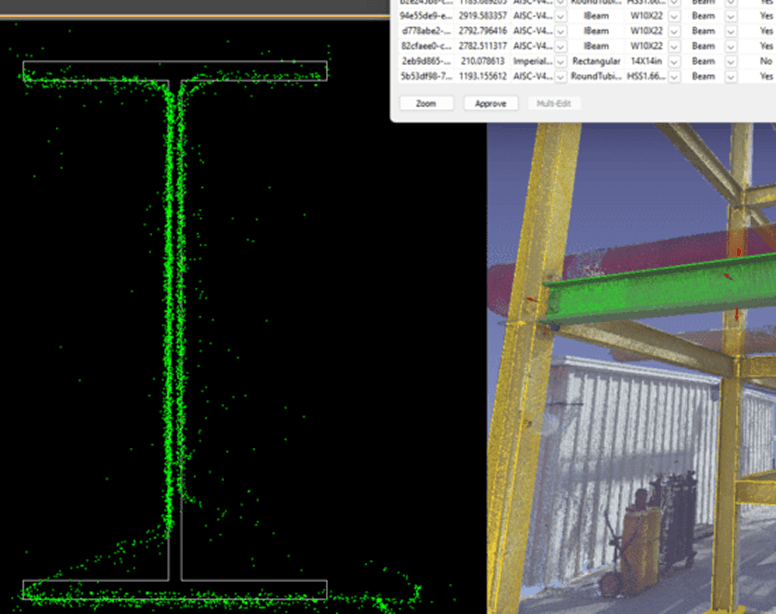
SmartSheet QA/QC validates point-cloud coverage, specifications, element dimensions and modelling accuracy for confident delivery.
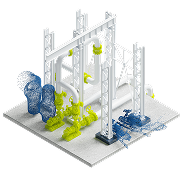
Intelligent Point-
Cloud Exports
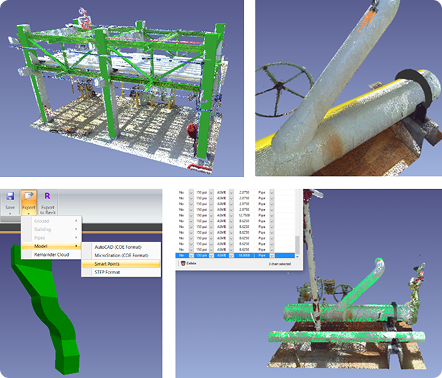
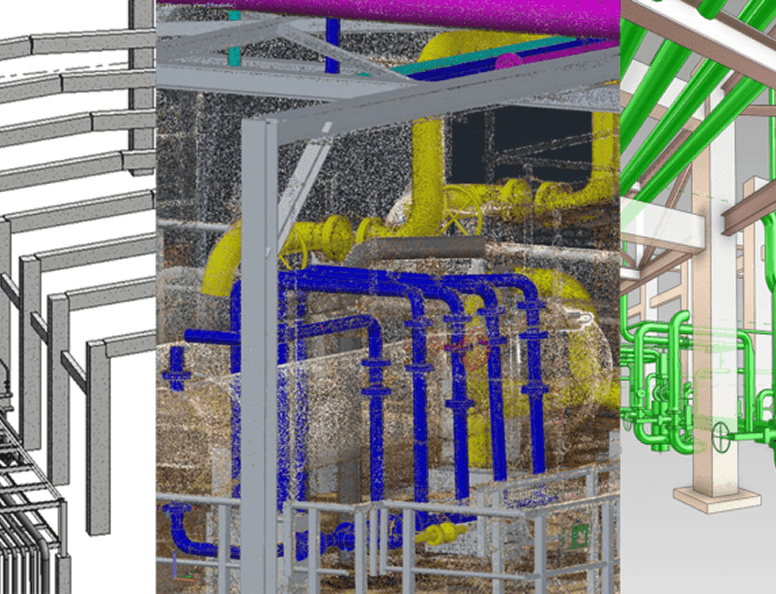
Export Remainder Clouds and Smart Points for visualisation, downstream modelling, analysis and Digital Twin workflows.
Direct Software Integration
Export intelligent models directly into Autodesk Revit, Autodesk Plant 3D and AVEVA E3D Design for seamless engineering workflows.
From LiDAR Capture to Intelligent As Built BIM
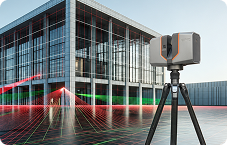
1 Capture with LiDAR
Capture accurate existing-condition data using a terrestrial or mobile LiDAR scanner.
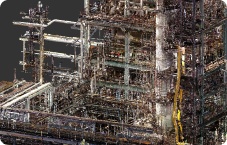
2 Register the Point Cloud
Align and register the individual scan positions into one coordinated point-cloud dataset.
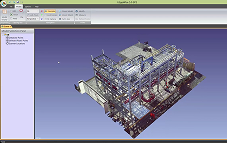
3 Import into EdgeWise
Load the clean, registered point cloud into ClearEdge3D EdgeWise.
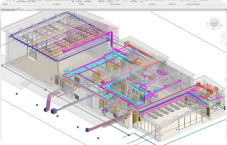
4 Extract and Verify
Extract pipes, structures, ducts, walls, conduits and cable trays and verify the fitted geometry.
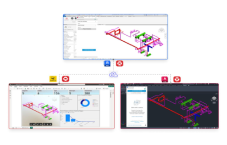
5 Export Intelligent Models
Transfer intelligent models into Revit, Plant 3D, AVEVA E3D Design and compatible workflows.
One Software. Two Ways to Adopt.
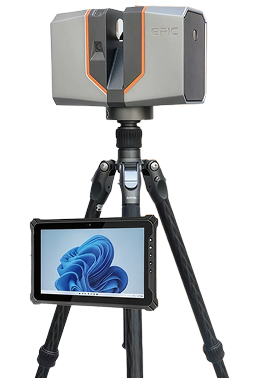
EPIC T150 + EdgeWise
Complete Scan-to-
BIM Bundle
- EPIC T150 terrestrial laser scanner
- Point-cloud registration workflow
- ClearEdge3D EdgeWise software
- Software installation and commissioning
- On-site and online training
- Knowledge transfer
- First-project implementation support
EdgeWise for Your Existing
LiDAR Scanner
Use EdgeWise with your existing LiDAR scanner and
registered point-cloud workflow.







Our specialists will review your scanner, registration software, point-
cloud format, BIM platform and project requirements before
recommending the appropriate workflow.
Choose the Right EdgeWise Edition
EdgeWise Lite
Semi-Automated Revit-Based Scan-to-BIM
- Fit-to-spec modelling
- Piping
- Structure
- Ducts
- Conduits
- Cable trays
- Walls
- SmartSheet QA/QC
- Autodesk Revit integration
EdgeWise Pro
Automated Feature Extraction for High-Volume Projects
- Automated pipe extraction
- Automated wall extraction
- Pattern-based structural extraction
- Autodesk Revit integration
- Autodesk Plant 3D integration
- AVEVA E3D Design integration
- Industrial modelling workflows
- High-volume project processing
Intelligent As-Built Modelling Across Every Critical Scope
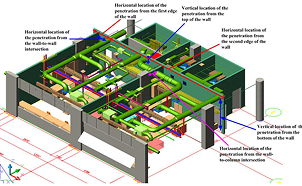
Piping and Pipe Racks
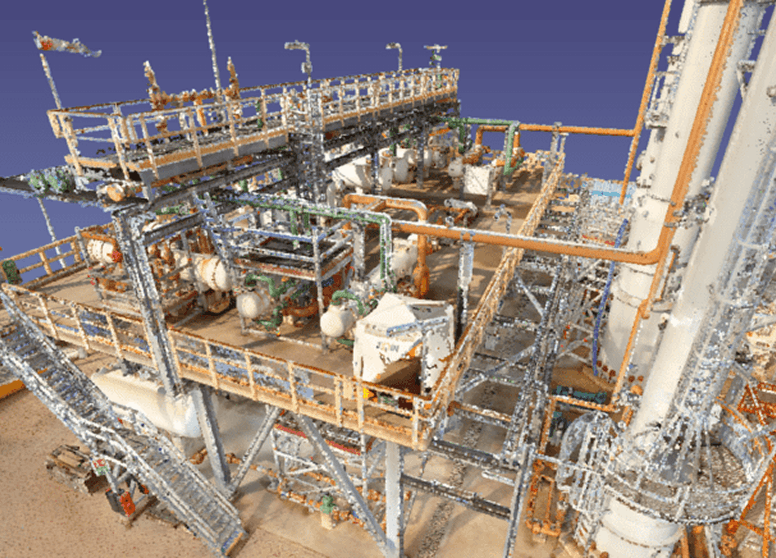
Extract and fit intelligent piping geometry from dense industrial point clouds.
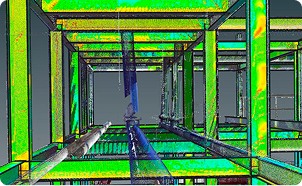
Structural Steel
Model structural beams, columns, frames, bracing and repetitive structural configurations.
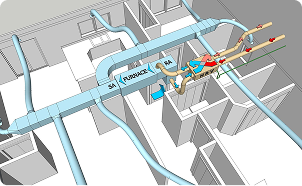
HVAC Ductwork
Create intelligent as-built duct models for MEP coordination, renovation and facility documentation.
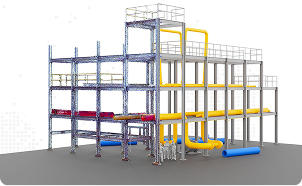
Walls and Buildings
Extract wall geometry and create accurate existing-condition building models.
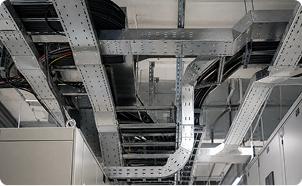
Conduits and Cable Trays
Model electrical conduits and cable-tray systems for buildings, data centres and industrial facilities.
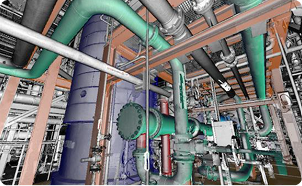
Industrial Plants
Create intelligent as-built models for brownfield plants, process facilities and industrial expansion projects.
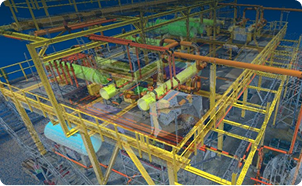
Scan-to-BIM Outsourcing
Help BIM service providers complete more projects while reducing repetitive manual modelling.
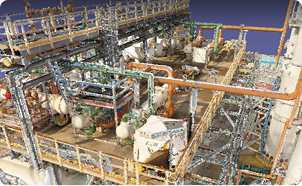
Digital Twin Preparation
Convert existing-condition point clouds into structured as-built models that support Digital Twin development.
Replace Repetitive Manual Modelling
with Intelligent Automation
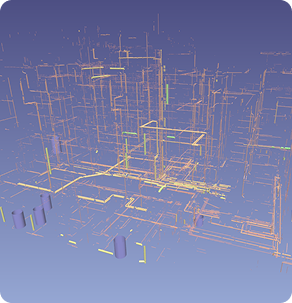
Tracing
Intelligent Geometry

Faster
Turnaround
Accelerate project delivery and meet demanding project deadlines.

More Project
Capacity
Complete more projects using the same modelling team and available resources.

Consistent
Models
Deliver accurate and consistent models across teams, offices and projects.

Competitive
Delivery
Improve project margins and compete for larger Scan-to-BIM opportunities.
Model with Confidence
| Element Type | Coverage | Specification | Specification | RMSE |
|---|---|---|---|---|
| Pipes | ASME B31.3 | Project based | Measured | |
| Structural Steel | AISC 360 | Project based | Measured | |
| Ducts | SMACNA | Project based | Measured | |
| Cable Trays | NEMA VE 1 | Project based | Measured | |
| Conduits | Project specification | Project based | Measured | |
| Walls | Project specification | Project based | Measured |
Point Cloud Exports
Five Steps to Faster, More
Accurate As-Built Models
Load the Model and Point Cloud
Import clean, accurately registered terrestrial or mobile LiDAR point-cloud data.
Extract the Required Elements
Extract pipes, structures, ducts, walls, conduits and cable trays using EdgeWise.
Perform QA/QC
Verify the extracted geometry using SmartSheet, cross-section views, coverage data and RMSE information.
Complete the Model
Use semi-automated finishing tools and downstream engineering software to complete complex geometry.
Export Intelligent BIM
Transfer the completed model into:
• Autodesk Revit
• Autodesk Plant 3D
• AVEVA E3D Design
Choose CAPEX or OPEX
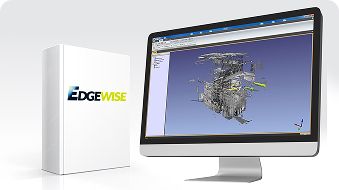
Turn Your Point Clouds into Intelligent As-Built Models
Send WildPlantTS one registered point cloud and your required modelling scope. Our specialists will demonstrate the appropriate EdgeWise workflow for your project.