

Official ClearEdge3D Master Reseller in India
Catch Construction Errors
Before They Become
Expensive Rework
ClearEdge3D Verify automatically compares as-built LiDAR point clouds with Autodesk Revit and Navisworks models—helping Indian construction teams verify installation accuracy, reduce costly rework and deliver reliable as-built documentation.
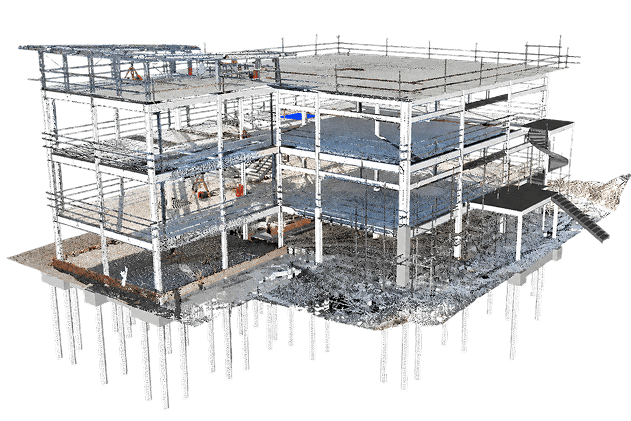
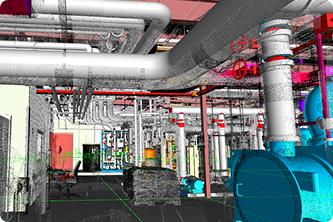
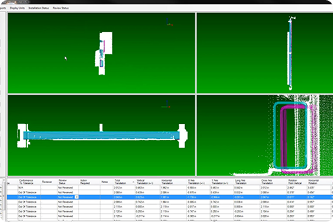
What Is ClearEdge3D Verity?
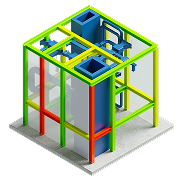
Automated QA/QC
Automate the comparison of LiDAR point clouds with BIM models to verify installation accuracy across complete project scopes.
Visual Deviation Detection
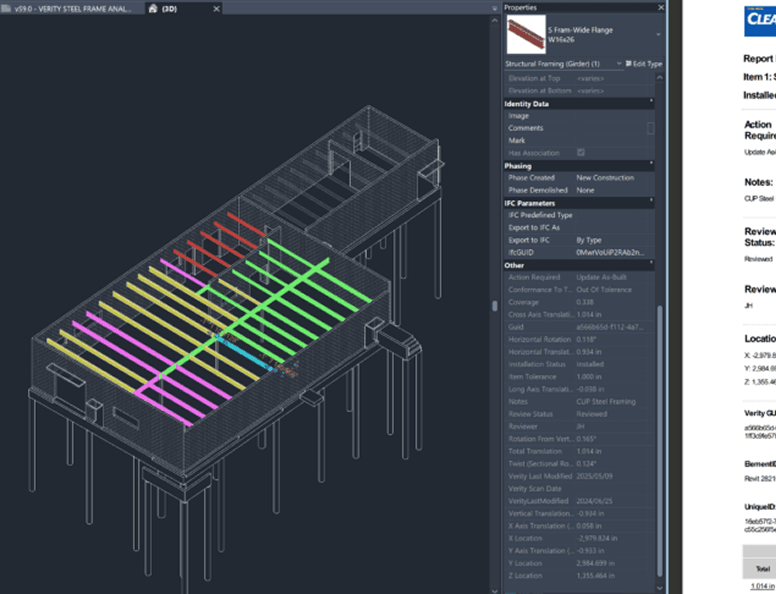
Colour-coded analysis, heat maps and element-level variance information make deviations easy to identify and understand.
Revit and Navisworks Integration
Integrate Verity into familiar Autodesk Revit & Navisworks workflows for coordination, model updates & construction documentation.
Accurate As-Built Models
Validate existing BIM models and update model elements to reflect their actual as-built positions.
What Is ClearEdge3D Verity?
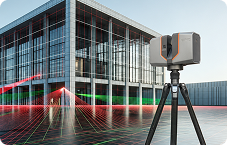
Capture with LiDAR
Capture accurate, high-density point-cloud data of the constructed environment using a terrestrial or mobile LiDAR scanner.
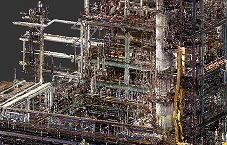
Register the Point Cloud
Align and register multiple scan positions into a complete and coordinated point-cloud dataset.
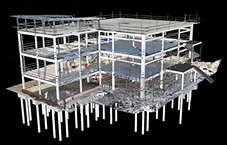
Compare with BIM
Load the registered point cloud and the corresponding Revit or Navisworks model.
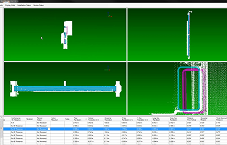
Detect Deviations
Identify elements that are in tolerance, out of tolerance, missing or incorrectly installed.
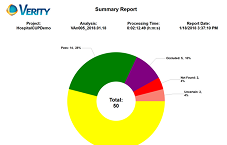
Share Reports
Generate and share clear construction-verification reports with project teams and stakeholders.
One Software. Two Ways to Adopt.
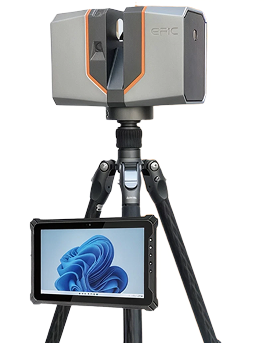
EPIC T150 + Verity
Complete QA/QC Bundle
- EPIC T150 terrestrial laser scanner
- End-to-end point-cloud processing workflow
- ClearEdge3D Verity software
- Software installation and commissioning
- On-site and online training
- First-project implementation support
- Local technical assistance in India
Verity Software for Your Existing
LiDAR Scanner
Verity can work with registered point-cloud data generated using:







Our specialists will review your scanner, registration software, point-cloud format, BIM platform and project requirements before recommending the appropriate workflow.
Construction Verification Across Every Critical Scope
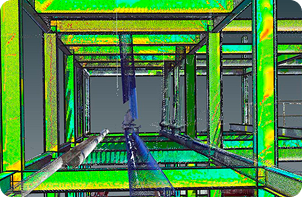
Structural Steel
Verify the installed position, orientation, alignment & deformation of beams, columns, frames & other structural-steel elements.
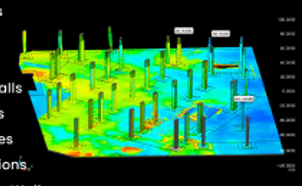
Concrete and Columns
Evaluate the position and alignment of concrete columns, beams, walls, slabs, foundations and structural openings.
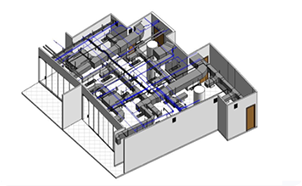
MEP Installation
Compare installed pipes, ducts, cable trays, conduits, hangers and supports with the coordinated BIM model.
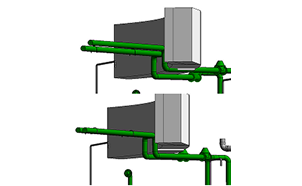
Data Centres
Verify dense MEP systems, equipment positions, service routes, cable trays, supports & critical infrastructure before subsequent work begins.
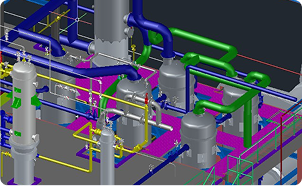
Industrial Plants
Validate structures, pipe racks, foundations, equipment positions and other installed elements across industrial construction and brownfield projects.
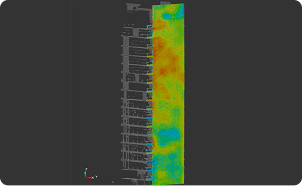
Commercial Buildings
Monitor structural, architectural and MEP installation accuracy across offices, hospitals, hotels, shopping centres and residential developments.
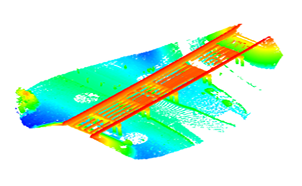
Infrastructure
Apply LiDAR-based construction verification to airports, railway facilities, metro stations, bridges, tunnels and other infrastructure projects.
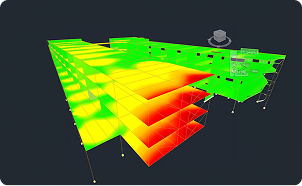
Progress Tracking
Compare repeated scan data against the BIM model to understand installation status and construction progress.
Make Every
Deviation Visible
Validate structures, pipe racks, foundations, equipment positions and other installed elements across industrial construction and brownfield projects.
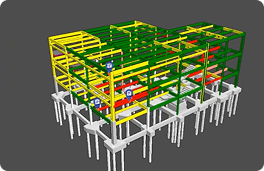
In Tolerance
The element is installed within the specified project tolerance.
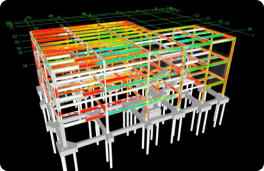
Out of Tolerance
The element has been installed but its position, orientation or geometry exceeds the defined tolerance.
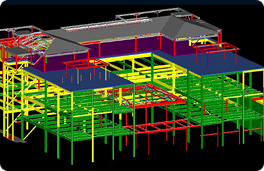
Not Installed
The expected model element was not identified in the scanned site data.
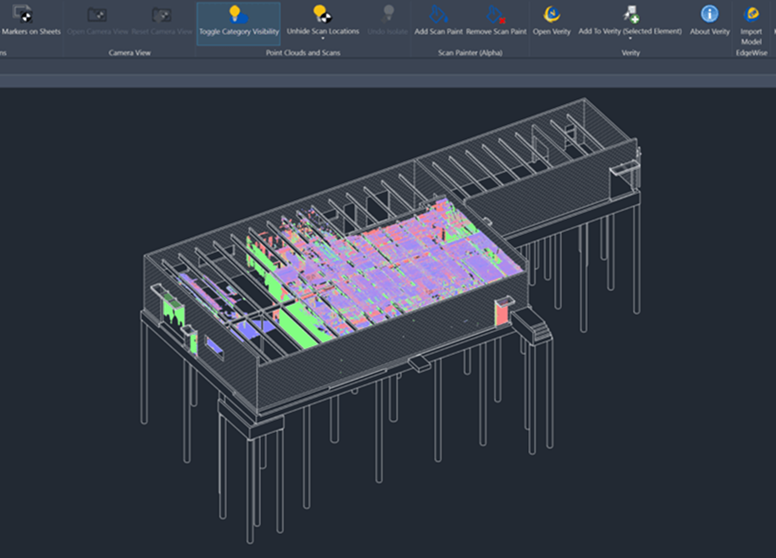
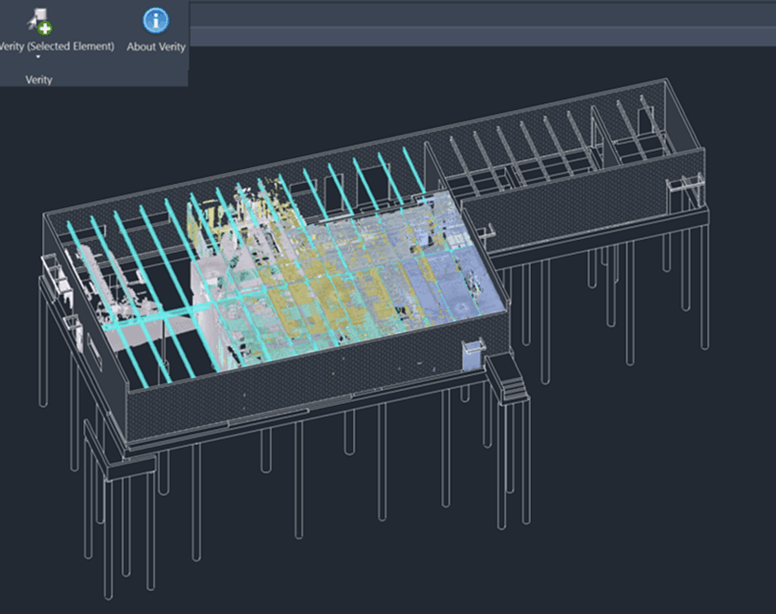
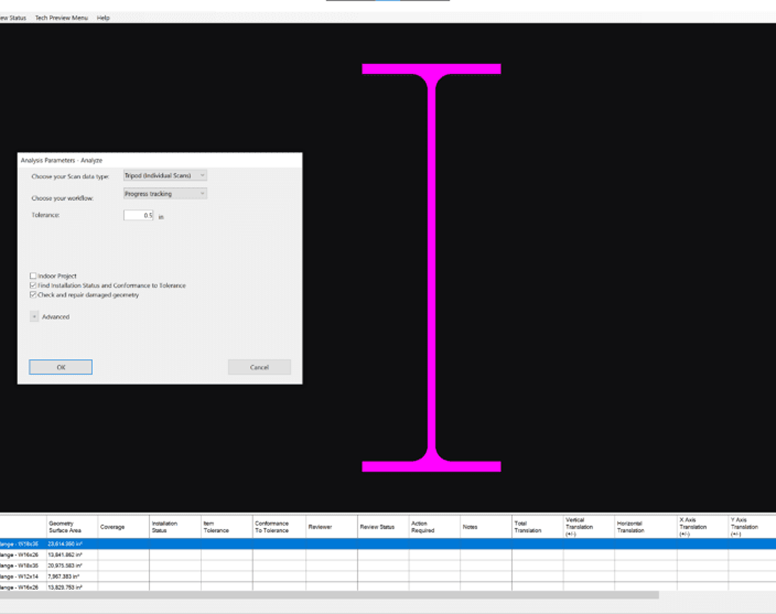
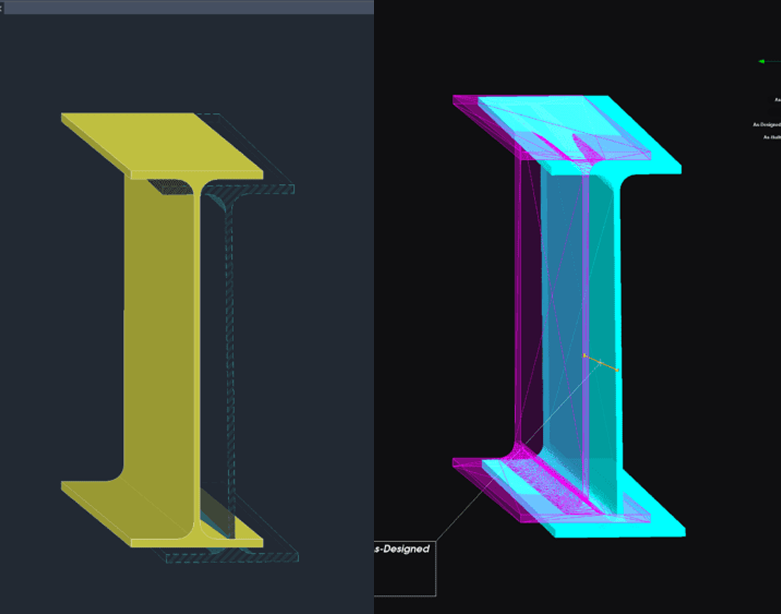
Five Steps to Smarter
Construction QA/QC
Load the Model and Point Cloud
Load the registered point cloud and corresponding BIM model into Autodesk Revit or Navisworks.
Select Elements
Select the relevant model elements and corresponding point-cloud area for analysis.
Run Verity Analysis
Send the selected data to Verity and run the automated construction-verification analysis.
Push Results Back
Transfer analysis results and as-built element positions back into Revit or Navisworks.
Generate Reports
Create PDF and HTML reports or prepare sheets, schedules and construction documentation inside Revit.
More Than a Licence.
A Complete India Implementation Partner.
WildPlantTS supports customers through the complete Verity adoption process—from initial technical consultation to successful project implementation.

Technical
Consultation
Our specialists evaluate your LiDAR scanner, registration workflow, Autodesk software, project applications and accuracy requirements.

Customer
Dataset Trial
Send us your registered point cloud and corresponding BIM model. Our technical team will demonstrate Verity using your actual project data.

On-Site and
Online Training
Receive structured product training for BIM engineers, VDC teams, surveyors, QA/QC professionals and project managers.

First-Project
Support
WildPlantTS supports your team during the first live Verity project to help establish a reliable and repeatable workflow.
See What Your Point Cloud Can Reveal
Send us one registered point cloud and its corresponding BIM model. WildPlantTS specialists will demonstrate how ClearEdge3D Verity can identify installation status, tolerance deviations and actual as-built positions.
Book Demo VerityFrequently Asked Questions
Is ClearEdge3D Verity available in India?
Yes. WildPlantTS is an official ClearEdge3D master reseller in India, providing Verity software sales, demonstrations, training, implementation and local technical support.
What does ClearEdge3D Verity do?
ClearEdge3D Verity compares point cloud data from the as-built site against design and fabrication models to verify installation accuracy, identifying any deviations from the original plan.
Can Verity work with my existing LiDAR scanner?
Yes, Verity is completely hardware agnostic. It can process point cloud data generated from almost any terrestrial laser scanner, mobile mapper, or photogrammetry capture system.
Does Verity work with EPIC T150?
Absolutely. The EPIC T150 high-precision terrestrial laser scanner is perfectly suited for generating the dense, precise point clouds required for reliable Verity QA/QC analysis.
Does Verity integrate with Autodesk Revit?
Yes. Verity features native integration with Autodesk Revit, allowing you to push variance data and as-built locations seamlessly back into your native BIM environment.
Does Verity integrate with Autodesk Navisworks?
Yes. It serves as an add-in application for Autodesk Navisworks, allowing it to leverage Navisworks' powerful model coordination features for construction verification routines.
Can Verity be used for construction progress tracking?
Yes. By routinely comparing new scan data against the scheduled BIM model, project managers can objectively confirm what elements have been installed and track overall timeline progress.
What reports can Verity generate?
Verity allows you to generate comprehensive PDF and HTML reports featuring heat maps, color-coded item statuses, screenshots, and raw variance measurements to share with project stakeholders.
Can WildPlantTS demonstrate Verity using our project data?
Certainly. Through our Customer Dataset Trial, simply send us a registered point cloud and its corresponding BIM file, and our specialists will run a live evaluation tailored to your project.